
CortenDesk 1.13.0 adds built-in backups
CortenDesk 1.13.0 adds scheduled backups, device default groups, sign-in approval for pending devices, and a web client approval fix.
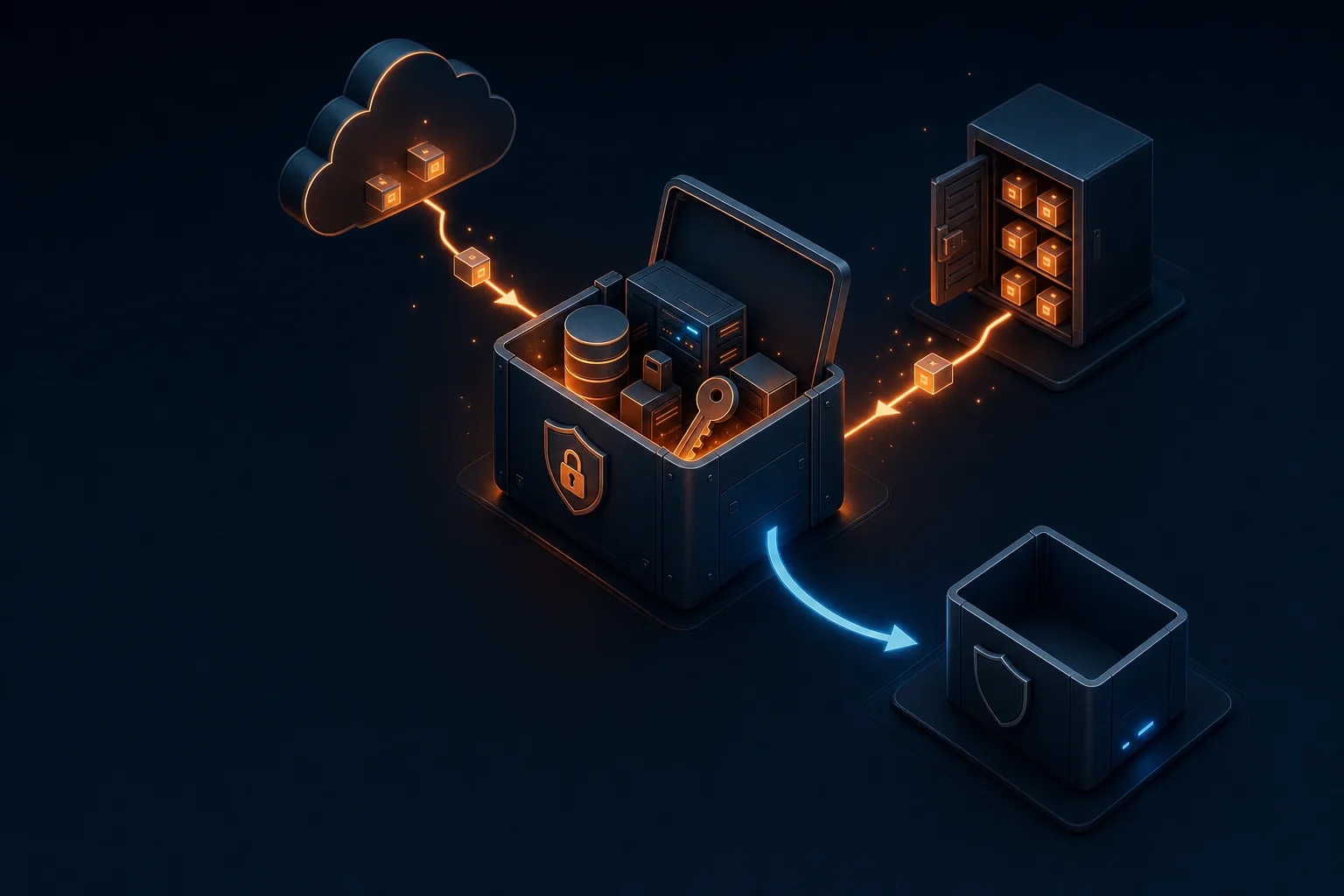
CortenDesk 1.13.0 adds Settings → Backups for scheduled and manual recovery of a CortenDesk install.
Backups in the console
A backup archive holds the whole database, every setting, the app key, the console-server link secret and, when you use the bundled server, the ID server's key pair and peer database.
Backups run daily at 03:30. Retention keeps three tiers at the same time:
- The newest 7 backups
- The first backup of each of the last 8 weeks
- The first backup of each of the last 6 months
You can copy each archive to FTP, FTPS or S3-compatible storage, with a Test connection button before you rely on it. Restore from the backup list or upload an archive. Restoring overwrites everything, so the warning is direct.
Archives can restore into a fresh container. If an archive came from a different app key, encrypted values are re-keyed during restore. The same tools are also available as php artisan cortendesk:backup and cortendesk:restore.
Backups are written to /data/backups inside the volume and survive upgrades. An archive contains the app key and every secret in the database, so treat it like a password, especially when you copy it off-site. The wiki has more at CortenDesk wiki.
New device handling
Settings → Server now has a default group for new devices. Every first-seen device goes into the group you pick, so users with access to that group can see new machines without an administrator filing each one first.
There is also a new approval option under the approval gate: Approve when the device's user signs in. If a pending RustDesk client is signed in to this console with a user account, the device is approved on arrival and that user becomes its owner. It works in either order.
Web client and hardening fixes
The web client now handles click-to-approve peers correctly. When a peer is set to accept by click, the web client waits for the person at the remote device to accept instead of treating the login response as a failure.
Release and scanning workflows now pin GitHub Actions to commit SHAs. The web client also refuses to open anything except a ws:// or wss:// URL.
Updating
There are no database migrations in this release.
Manual installs need CORTENDESK_BACKUPS_PATH set to a writable directory. Set CORTENDESK_RUSTDESK_DIR to the hbbs data directory if the console can read it. FTP copies need PHP's ftp extension. The image has it.
docker pull marcpope/cortendesk:1.13.0
docker pull ghcr.io/marcpope/cortendesk:1.13.0
Read the full release notes for CortenDesk 1.13.0.