
Your first Docker deployment
Get the console, ID server and relay onto your own infrastructure.
Start with the Compose file
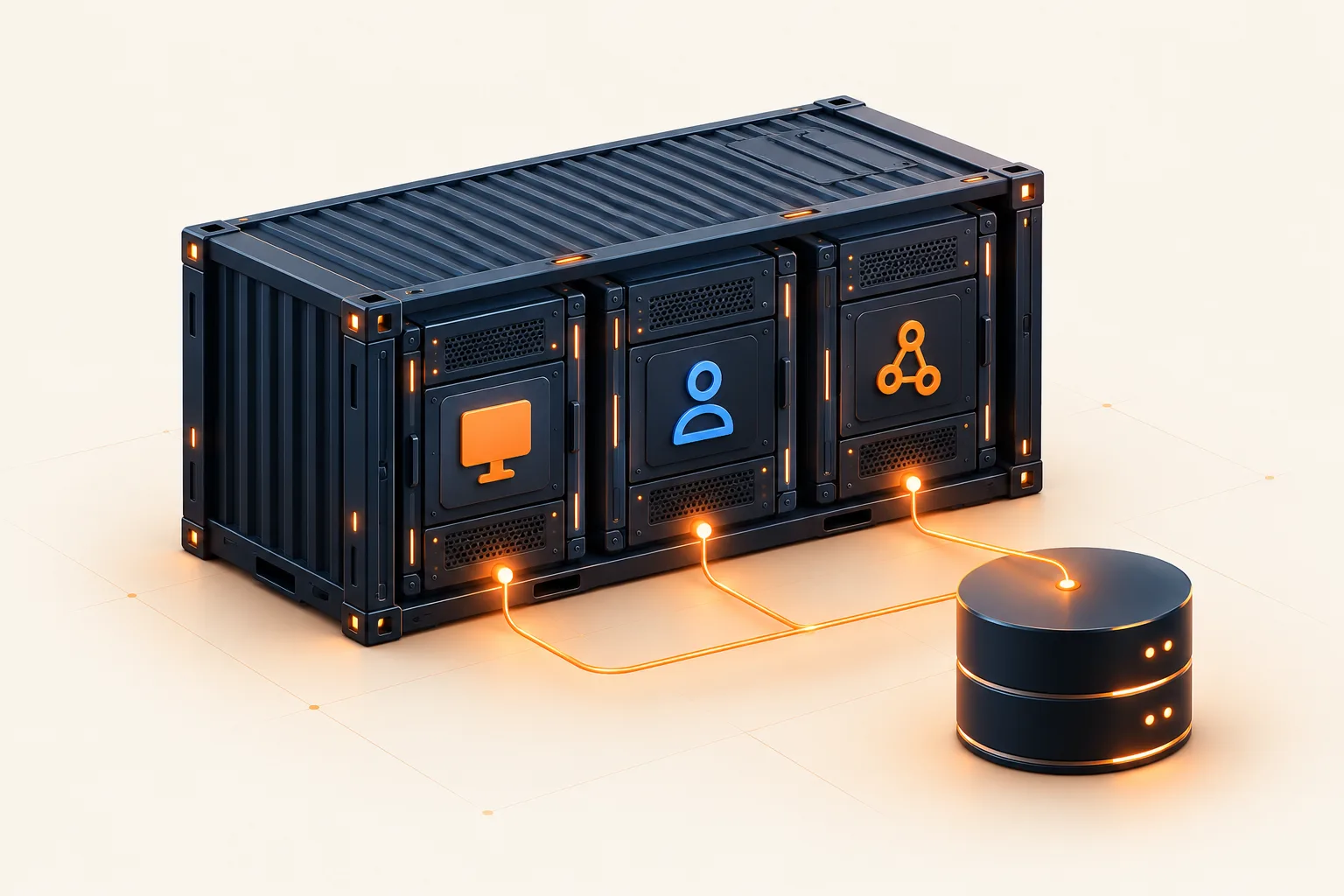
CortenDesk packages its console, ID server and relay together. It also needs a MySQL or MariaDB database. The installation guide has the complete Docker Compose configuration.
- Copy the Compose configuration from the installation guide.
- Set APP_URL to the public HTTPS address that your clients can reach.
- Configure the database and keep the data volumes.
- Pull the image and start your stack.
docker pull ghcr.io/marcpope/cortendesk
docker compose up -d
Put HTTPS in front
Use a reverse proxy such as Caddy, Traefik or nginx to terminate TLS. The documentation covers trusted proxies, ports and secure cookies.
Connect your clients
The Settings screen shows the ID server, relay, public key and API server values for a normal RustDesk client. Devices register when they contact your console.
Keep your data
Keep the database and the container data volume. They hold settings and the keys that keep clients connected. If you are moving an existing deployment, follow the migration guide to keep its key pair and device IDs.